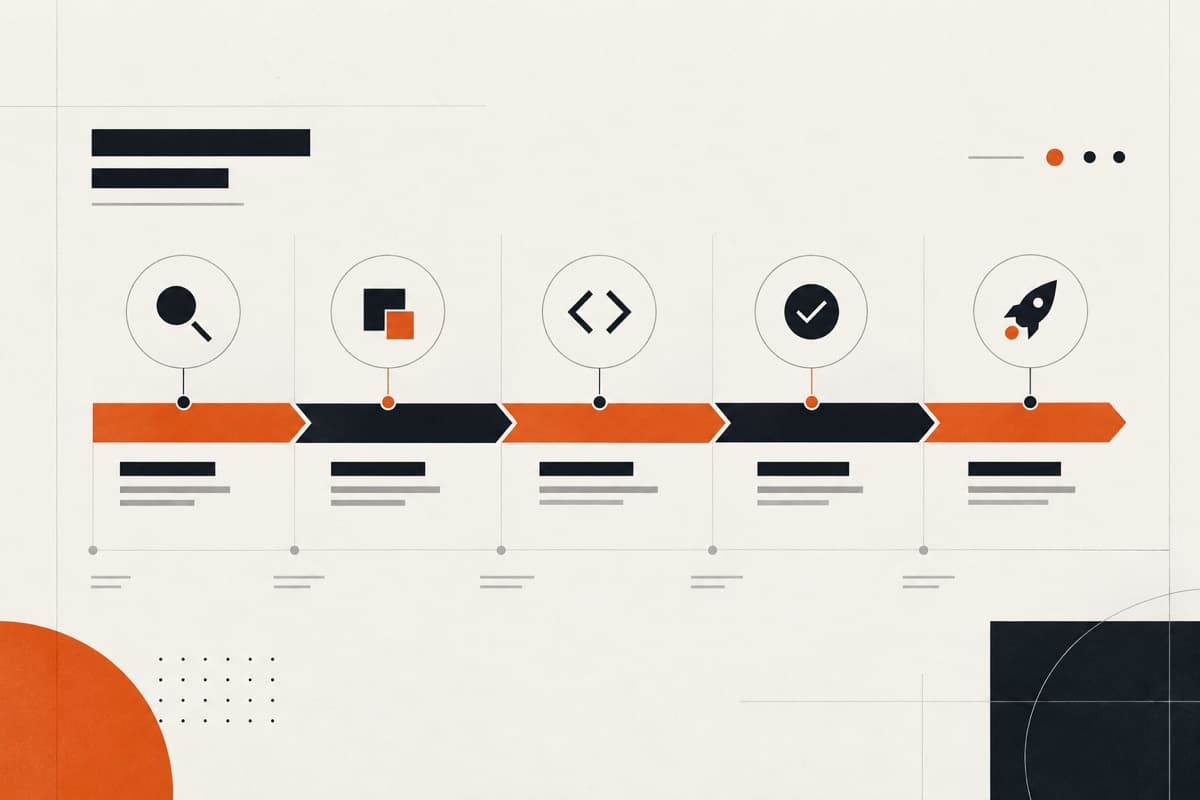
White-label WordPress maintenance gives an agency a dependable technical team for client websites without placing that team in front of the client. A good service is not simply a monthly promise to update plugins. It defines how requests enter the queue, how risk is assessed, where changes are tested, who approves releases and what happens when a website has a serious fault.
What is white-label WordPress maintenance?
White-label WordPress maintenance is an ongoing service delivered under an agency’s direction and, where agreed, under its brand. The delivery partner handles defined technical work while the agency retains the commercial relationship, controls client communication and approves material production changes.
The service may include diagnostics, WordPress core, theme and plugin updates, responsive fixes, CMS problems, small improvements and release support. Its exact boundary should be written down. Hosting administration, malware response, content entry, development retainers and round-the-clock incident response are separate responsibilities unless the agreement explicitly includes them.
1. Start with a website and responsibility inventory
Before accepting a maintenance queue, record what is being maintained and who owns each dependency. Existing WordPress websites can contain abandoned plugins, expired licences, undocumented custom code and hosting restrictions that are invisible from the front end.
- Production, staging and local development environments
- Hosting, domain, DNS and CDN ownership
- Active theme, child theme, plugins and custom code
- Repository, deployment and rollback arrangements
- Premium licences and renewal owners
- Backups, security tools and monitoring already in place
- Forms, payments, CRM, analytics and other business-critical integrations
2. Use a clear intake and priority system
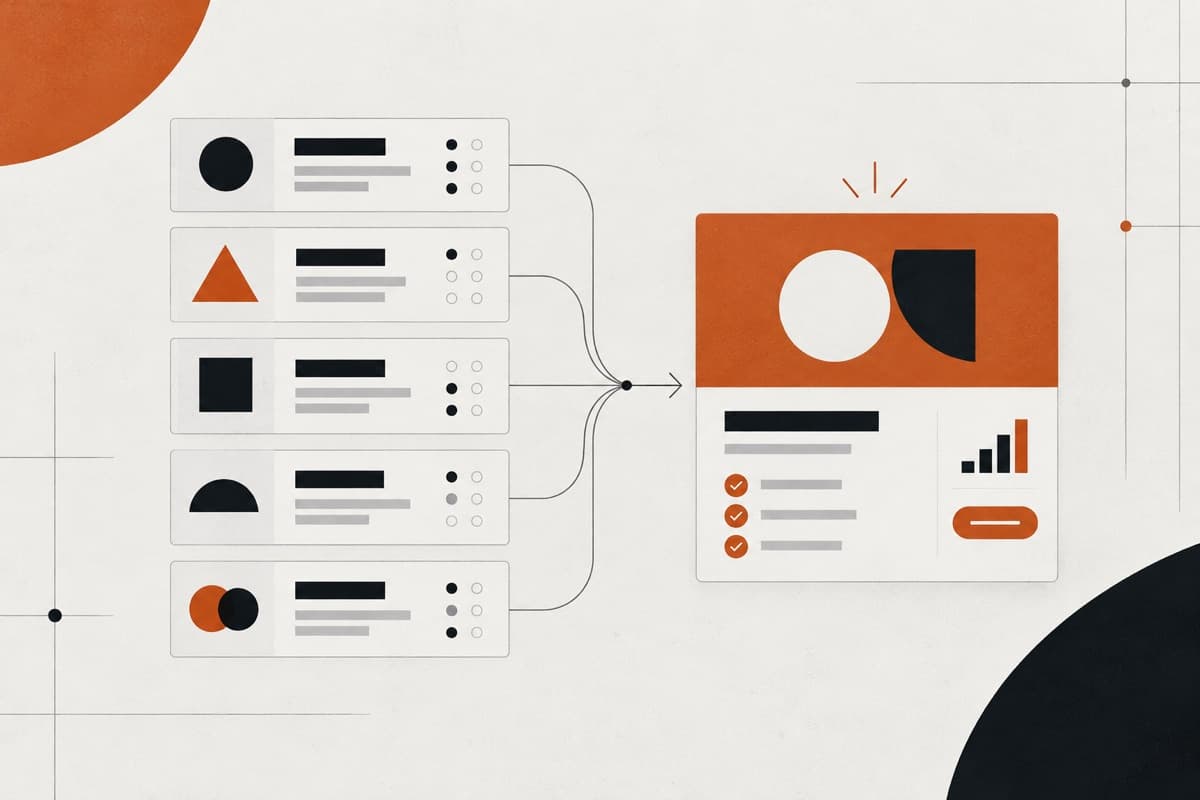
Maintenance becomes inefficient when requests arrive through several channels and every issue is marked urgent. Give the agency one route for requests and ask for the affected URL, expected behaviour, observed behaviour, evidence, business impact and a suitable test account where necessary.
Classify work by impact and risk rather than by who asked most recently. A broken purchase journey deserves a different response from a spacing adjustment. Planned improvements should remain visible without displacing production defects that materially affect users.
- Critical: the website or a business-critical journey is unavailable
- High: an important function is broken for a meaningful group of users
- Normal: a contained defect, update or content-management problem
- Planned: an improvement that can be scheduled with other delivery work
3. Treat updates as controlled changes
An available update is not evidence that it should be installed immediately on production. Review the changelog, compatibility, known dependencies and the risk of postponing it. Higher-risk changes should be tested against representative content and important journeys before release.
WordPress recommends keeping the platform current and backing up before an update. The practical implementation still depends on the website: a simple brochure site and a heavily customised WooCommerce installation require different levels of preparation and regression testing.
- Confirm a current, restorable backup before higher-risk work
- Use staging when the website and hosting arrangement support it
- Update related dependencies in a deliberate sequence
- Test navigation, forms, search, login, checkout and other priority journeys
- Retain a documented rollback route for the production release
4. Define backup, staging and recovery ownership
A backup is useful only when its contents, retention, storage and restoration route are understood. Confirm whether the hosting provider, agency, client or maintenance partner owns backups and who can authorise a restore. Avoid implying that a backup exists simply because a plugin is installed.
Staging should reflect production closely enough to reveal relevant problems without exposing personal or commercially sensitive data unnecessarily. When staging is unavailable, agree a proportionate alternative and make the increased release risk visible.
5. Separate maintenance from security guarantees
Updates, access hygiene and configuration review can reduce avoidable risk, but a maintenance service should not promise that a website cannot be compromised. Security responsibilities include the hosting environment, administrator accounts, third-party services, custom code, monitoring and the organisation’s incident process.
The agreement should explain what monitoring exists, who receives alerts, who can isolate or restore the website and whether malware investigation is included. If there is no contracted emergency service, say so before an incident occurs.
- Use named accounts and the minimum access each person needs
- Remove dormant administrators and protect privileged accounts
- Review unsupported themes, plugins and PHP versions
- Record where security alerts are sent and who acts on them
- Define the escalation route for suspected compromise or data exposure
6. Test the affected journey, not only the changed screen
A successful update message does not prove that the website still works. QA should reflect the change and its dependencies. A form repair needs submission, validation, delivery and confirmation checks. A checkout change needs the agreed product, basket, payment and notification journey tested.
Keep a small regression checklist for each maintained website. Include priority templates, responsive breakpoints, forms, integrations and any functionality responsible for revenue or qualified enquiries. Record what was tested and any limitation that prevented a complete check.
7. Agree response models without promising every repair time
Response time and resolution time are different. A maintenance partner can commit to acknowledging and assessing a request within an agreed working window. It cannot responsibly guarantee when every unknown fault will be fixed before reproducing it and understanding the code, access and third-party dependencies involved.
Agencies should choose between planned capacity, a defined service window and a separate emergency arrangement. The right model depends on the business impact of downtime and whether the underlying hosting and application architecture support the promised response.
8. Make exclusions and change boundaries visible
A maintenance agreement should distinguish routine work from a new project. A minor component adjustment may fit the queue; a new membership workflow, checkout architecture or theme rebuild requires discovery and separate scoping. Clear boundaries protect the agency from silently absorbing unpriced work.
- New websites, themes, plugins or application features
- Major redesigns and large content migrations
- Hosting migrations or infrastructure administration
- Third-party subscription and premium licence costs
- Emergency, out-of-hours or guaranteed uptime cover
- Remediation of pre-existing security incidents unless specifically scoped
9. Report work in language the agency can use
A useful maintenance report is short and operational. It states what was requested, what changed, where it was tested, when it reached production and what remains unresolved. It should help an account manager explain the work without translating a list of plugin version numbers.
Include important risks and recommendations, but separate them from completed work. The agency should be able to decide the next priority with a clear view of impact, effort and dependency rather than receiving a vague instruction to update everything.
10. Choose the right commercial model
A fixed care plan suits repeatable checks with a tightly defined boundary. A time bank suits irregular requests but can encourage fragmented prioritisation. A monthly delivery partnership suits agencies that want the same team to move between maintenance, fixes and planned improvements while keeping one active priority clear.
Compare models by responsibility and availability, not only by included hours. Confirm billing, unused capacity, approval rules, third-party costs, cancellation, emergency exclusions and what happens when a request becomes a separately scoped project.
A practical maintenance handover checklist
Before the service begins, both teams should be able to identify the maintained websites, current risk, owners and release route. If those answers are not available, start with a paid audit or onboarding phase rather than pretending routine maintenance can begin safely.
- Approved website inventory and named agency owner
- Secure access to WordPress, hosting and relevant services
- Verified backup and restoration responsibility
- Documented request, priority and approval workflow
- Agreed working hours, response model and emergency exclusions
- Priority journey and regression checklist
- Licence, renewal and third-party cost ownership
- Completion report and ongoing risk format
Turn the guidance into a dependable delivery system.
Oncreation works behind agencies on website structure, custom UI, development, QA and launch—with the agency remaining in control of its client relationship.