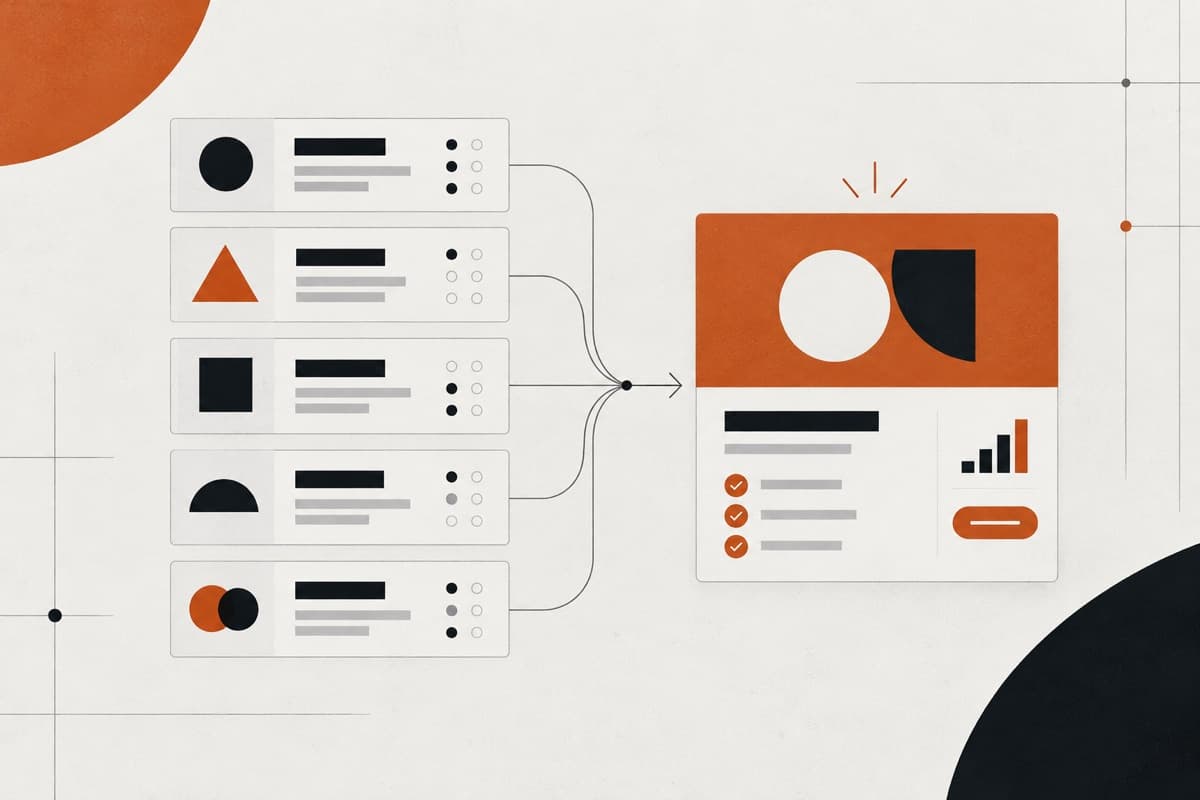
A polished desktop design is not yet a Webflow development brief. Before build begins, the delivery team needs to understand the pages, responsive behaviour, CMS model, interactions, content, integrations, SEO requirements and launch ownership. A complete brief reduces assumptions, protects agency margin and makes the finished website easier for the client to operate.
Why a Webflow build needs more than approved screens
An approved design communicates visual intent, but the developer still has to decide how that design becomes a responsive, editable and maintainable website. If those decisions are not in the brief, they are made during production—often when changes are more expensive.
- Which layouts are unique and which should become reusable components?
- What happens to long headings, missing images and changing CMS content?
- Which elements animate, and what should happen on touch devices?
- Which content can the client safely edit after launch?
- Which URLs, metadata and redirects must be preserved?
- Who owns the Webflow workspace, site plan, domain and third-party accounts?
A Webflow development partner should surface these questions before quoting certainty. The brief does not need to prescribe every technical class or component, but it must describe the intended behaviour and responsibilities clearly enough to build and test them.
1. Begin with the business outcome
Start with the commercial job of the website. A lead-generation site, campaign launch, recruitment site and content publication can use similar-looking pages while needing different forms, CMS structures, analytics and approval workflows.
| Brief field | What the agency should provide |
|---|---|
| Primary objective | The most important outcome the website must support |
| Priority audiences | Who the website is for and what each audience needs |
| Primary conversion | Enquiry, booking, application, download, purchase or another action |
| Success measure | The metric the client will use to judge the website after launch |
| Launch constraint | A real campaign, event or operational deadline and its dependencies |
This information helps the team make sensible decisions when a design detail, content request or integration creates a trade-off. Without it, the build can be technically complete but commercially unfocused.
2. Define the sitemap and page types
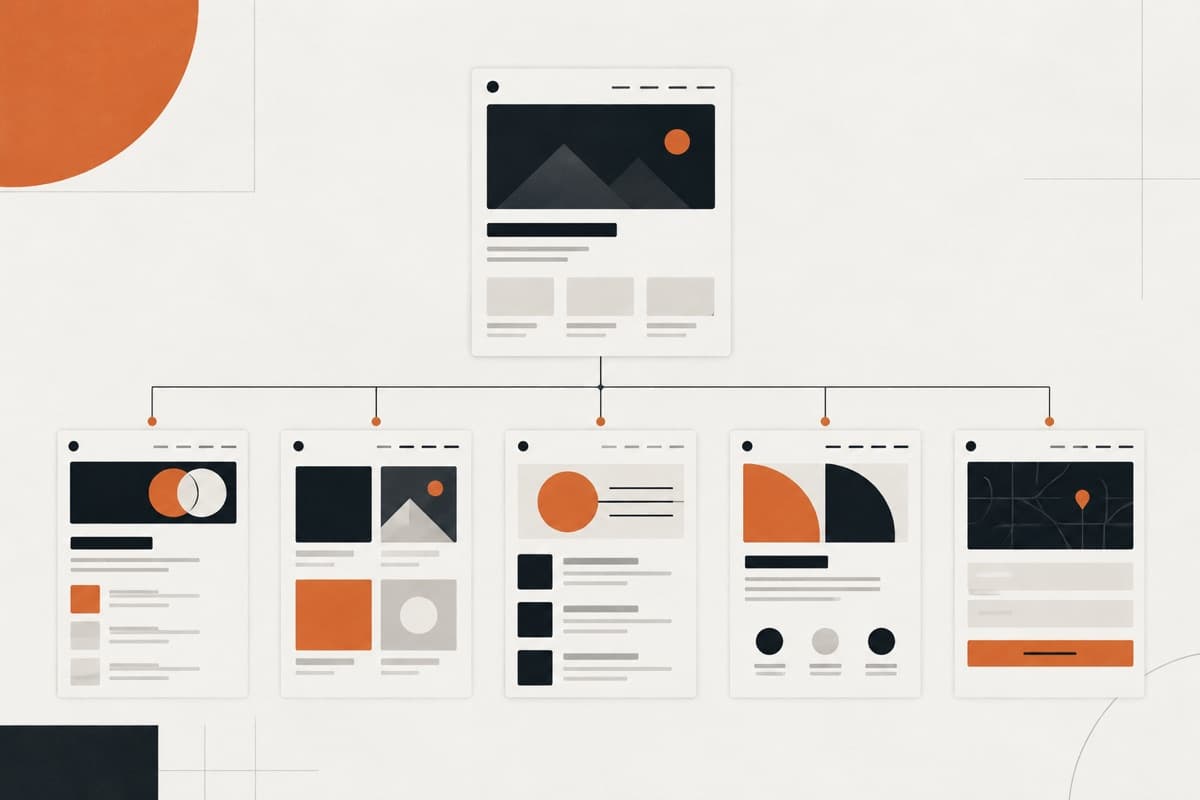
List every launch URL or agreed page, then group pages that share a structure. Ten service pages may represent one reusable page type; three visually different campaign pages may represent three separate builds. This is why page count alone is a weak scope.
- Static pages such as Home, About and Contact
- Reusable service or industry page templates
- CMS-driven pages such as case studies, articles, team members or locations
- Utility pages such as search, confirmation and 404 states
- Legal pages and required consent experiences
- Campaign or landing pages that require distinct layouts
If the site is replacing an existing website, include the current URL inventory. The new sitemap should show which URLs remain, change or disappear so redirects can be planned before launch.
3. Identify the reusable component system
Webflow production becomes faster and more consistent when recurring interface patterns are intentionally reusable. Ask the designer to identify shared navigation, footers, buttons, cards, testimonial layouts, calls to action and content sections rather than delivering every page as an unrelated canvas.
- Component name and purpose
- Supported visual variants
- Editable text, image and link properties
- Maximum and minimum content assumptions
- Responsive behaviour
- Interaction states such as hover, focus, open and disabled
This is especially important for a white-label handoff. A documented system helps the agency review consistency and gives the client a clearer editing experience after launch.
4. Model the Webflow CMS before development
A Webflow CMS Collection is a structured database for one type of content, and each Collection uses a shared template and field schema. Define that model before building the template so the layout reflects real content rather than placeholder assumptions.
| CMS decision | Questions to answer |
|---|---|
| Collections | Which content types need repeatable records and dynamic pages? |
| Fields | Which text, media, dates, options, links and references belong to each record? |
| Relationships | How do authors, categories, services, locations or related content connect? |
| URLs | What Collection slug and item URL structure should be used? |
| Publishing | Who creates, reviews and publishes Collection items? |
| Migration | How many existing records must be cleaned, mapped and imported? |
Webflow can import Collection content from CSV, but migration still requires clean data and deliberate field mapping. References, images, slugs, rich text and redirects should be tested with representative records before a large import.
5. Supply complete responsive designs
A desktop design cannot safely answer every mobile question. Provide at least the important desktop and mobile layouts, then document behaviour for intermediate widths. Components with unusual grids, carousels, tables, menus or overlapping imagery need particular attention.
- Desktop and mobile designs for all unique page types
- Tablet or intermediate guidance for complex layouts
- Navigation behaviour across pointer and touch devices
- Rules for stacking, hiding, cropping and reordering content
- Long-copy and missing-content states
- Form errors, success states and validation messaging
- Focus, hover and selected states for interactive controls
The developer can make implementation decisions, but the agency should approve any behaviour that changes hierarchy, content or brand expression.
6. Describe interactions and motion
“Add smooth animations” is not a testable requirement. Identify the element, trigger, intended effect and priority. Clarify what happens for keyboard users, touch devices and visitors who prefer reduced motion.
| Interaction detail | Example |
|---|---|
| Trigger | Page load, scroll, hover, click or CMS item change |
| Target | The exact element or component that moves |
| Behaviour | Reveal, translate, scale, pin, swap or expand |
| Timing | Approximate duration, sequence and easing intention |
| Fallback | Static or simplified behaviour on touch and reduced-motion settings |
Reserve heavier motion for moments that support hierarchy or storytelling. Repeated animation on every section can slow review, reduce clarity and create unnecessary performance work.
7. Finalise content and asset responsibilities
The brief should state whether the agency, client or delivery partner owns copy, images, video, icons and data entry. If content will arrive in stages, identify which pages can be built with representative content and which cannot be approved without final material.
- Final copy matched to each page and component
- Images supplied at suitable resolution with usage permission
- Video hosting and fallback requirements
- Logo, icon, font and brand asset files
- CMS records in an agreed spreadsheet or migration format
- Alt text or responsibility for preparing it
- Named content approver and final delivery date
Late content can change section heights, responsive behaviour and CMS requirements. Treat it as a delivery dependency, not a cosmetic replacement that will always fit after development.
8. List every integration and account owner
Do not describe integrations only by brand name. State the intended workflow, data being sent, required account access and the person responsible for configuring or approving the external system.
- Forms, CRM and email-marketing destinations
- Scheduling, chat and customer-support tools
- Analytics, tag management and consent platform
- Search, filtering or third-party content feeds
- Automation services and webhook requirements
- Authentication or gated-content expectations
- Any custom code and its maintenance owner
A simple embed is different from a secure two-way data workflow. If the integration needs custom logic, sensitive data or an unsupported API, validate it before agreeing the main build scope.
9. Include SEO and migration requirements
Webflow provides controls for titles, descriptions, canonicals, robots rules, sitemaps, schema and redirects. The brief must still define what should be configured and which existing search signals need protection.
- Approved title and description for every indexable page type
- Heading hierarchy and on-page content requirements
- Canonical and indexation rules for special pages
- Existing-to-new URL redirect map
- Structured data requirements and responsible reviewer
- XML sitemap and robots.txt expectations
- Analytics, Search Console and conversion tracking setup
- Post-launch checks on the production domain
Changing a Collection URL after publishing requires redirects, so agree CMS slugs early. A migration should preserve useful existing URLs where possible and map every intentional change to a 301 redirect.
10. Confirm accessibility and performance expectations
The brief should include known accessibility requirements and the agreed level of testing. At a minimum, designs and builds need readable contrast, logical headings, keyboard-accessible controls, useful form labels, meaningful alternative text and sensible focus behaviour.
Performance requirements should be equally concrete. Large media, third-party scripts, complex motion and excessive custom code affect loading and responsiveness. Record the required integrations and visual assets so performance can be considered during design rather than only tested at the end.
11. Define review, QA and acceptance
Name one agency contact who consolidates feedback and identifies what is a defect, a design correction or a new request. Agree the review stages so the client is not commenting on unfinished work without context.
| Review stage | Approval focus |
|---|---|
| Foundation | Classes, core components, typography and responsive approach |
| Page system | Unique templates, CMS structure and representative content |
| Interactions | Motion, controls, forms and connected services |
| Pre-launch QA | Content, responsive behaviour, SEO, accessibility and tracking |
| Production check | Domain, redirects, forms, analytics and critical journeys |
Use the agency website QA checklist to separate launch-blocking defects from future enhancements. Written approval should be required before publishing or changing the production domain.
12. Clarify Webflow ownership and handoff
Before production begins, decide where the site will be built and who will own it after launch. Record the Webflow workspace, site plan, billing, domain, editor access, form notifications, third-party accounts and support route.
- Final site and workspace owner
- Site plan and recurring billing owner
- Domain and DNS administrator
- Content-editor roles and publishing permission
- Form recipient and data-retention responsibility
- Analytics and Search Console administrators
- Custom-code documentation and maintenance owner
- Post-launch support period and escalation route
A website handoff checklist gives the agency a repeatable way to transfer these items without leaving access and ownership decisions until the launch call.
A copy-ready Webflow development brief checklist
- Business objective, priority audiences and conversion action
- Approved sitemap and grouped page types
- Responsive designs and component states
- Component list and reusable variants
- CMS Collections, fields, relationships and sample records
- Interaction notes and reduced-motion expectations
- Final content, assets and named owners
- Forms, integrations and account access
- SEO metadata, schema, redirects and tracking requirements
- Accessibility and performance acceptance criteria
- Review stages, feedback owner and written approval process
- Workspace, billing, domain, launch and support ownership
What a good Webflow partner should confirm
A good partner does not simply accept a Figma link and promise a date. It reviews the brief, identifies missing responsive and CMS decisions, confirms what is included, explains the dependencies and gives the agency a clear approval path.
Oncreation works as a Webflow agency partner for UK agencies and a remote Webflow agency for London teams that need additional delivery capacity. Your agency keeps the client relationship while the agreed structure, responsive build, CMS, QA and launch move through one managed workflow.
Turn the guidance into a dependable delivery system.
Oncreation works behind agencies on website structure, custom UI, development, QA and launch—with the agency remaining in control of its client relationship.