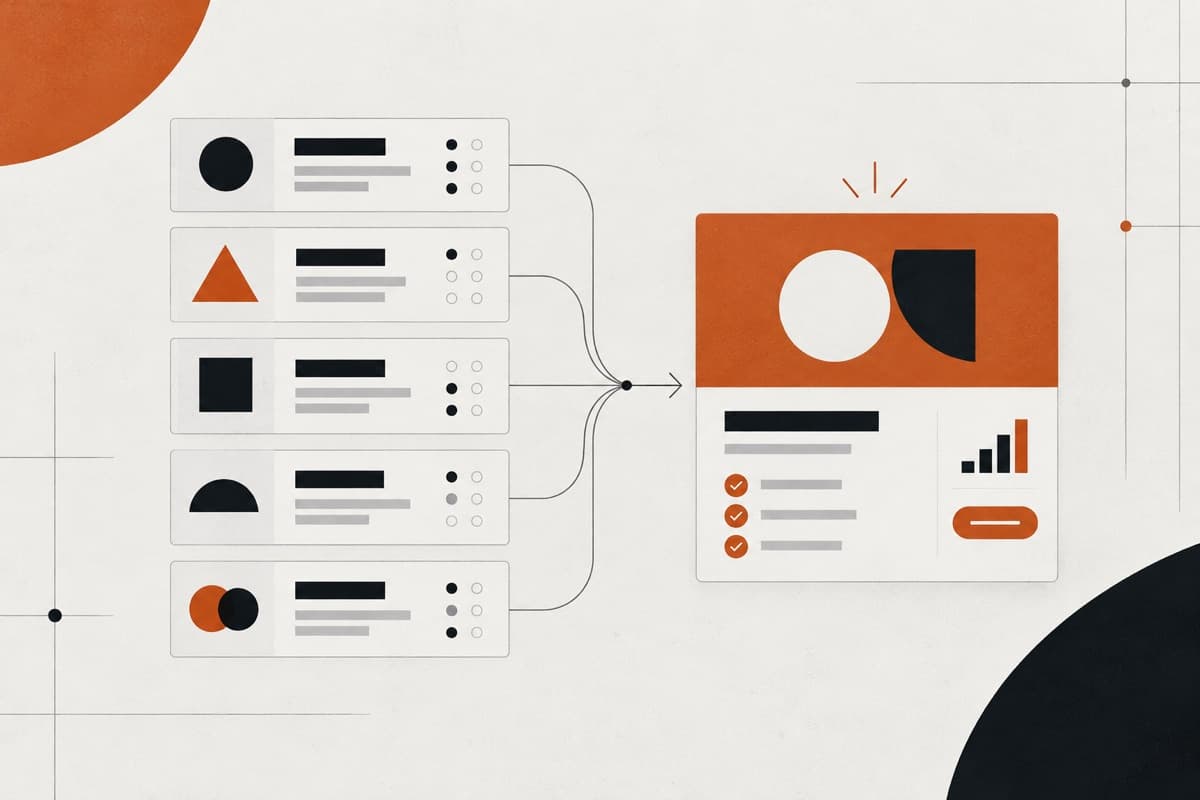
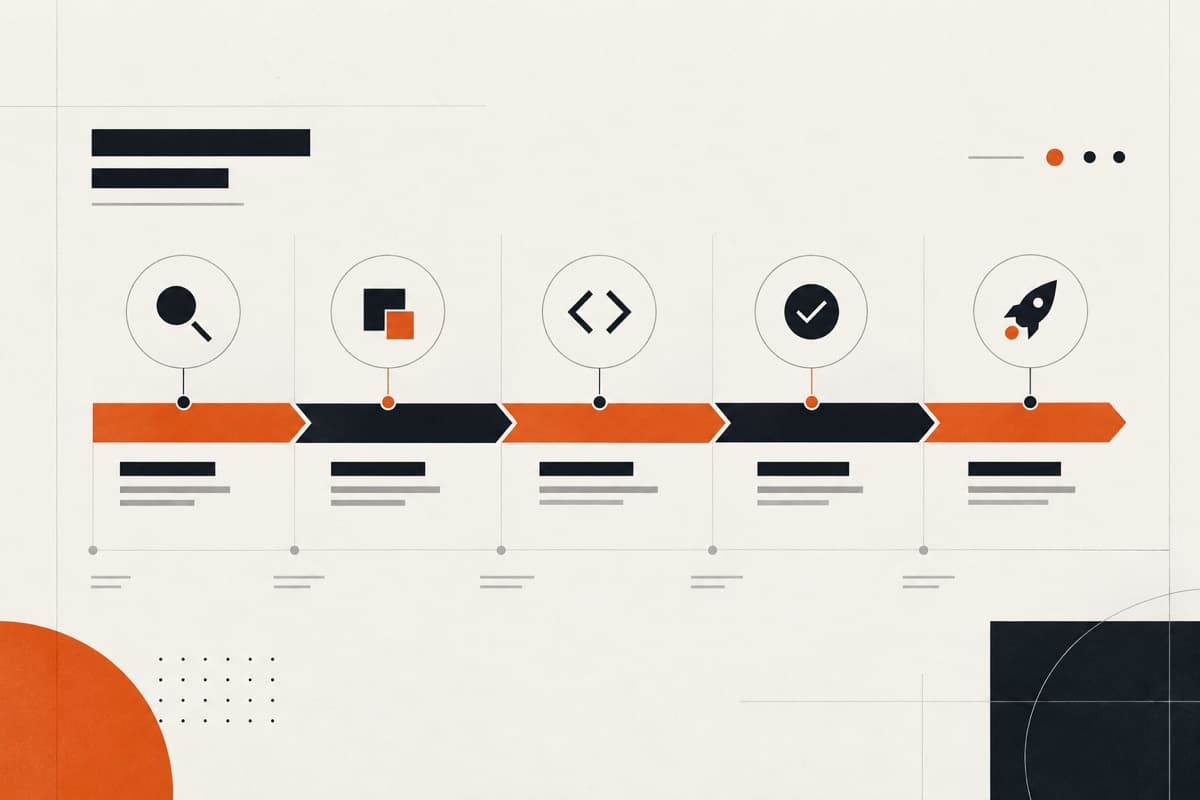
White-label web design gives an agency access to a website strategy and design team without presenting another supplier to the client. The model works when the agency retains clear commercial ownership and the design partner receives the inputs, authority and feedback needed to deliver a coherent responsive system. This guide explains how to structure that relationship from the first brief through development handover.
What white-label web design actually means
A white-label design partner works behind the agency that owns the client relationship. The end client receives a website designed through the agency’s service, while the external team follows agreed rules for visibility, communication and ownership. The arrangement may be completely behind the scenes or allow selected client contact when the agency gives permission.
White-label should describe the commercial and communication model—not lower the standard of the work. The website still needs discovery, content structure, custom visual direction, responsive decisions, accessible components and a handover that development can use.
| The agency usually owns | The design partner usually owns |
|---|---|
| Client relationship and commercial agreement | The agreed design delivery workflow |
| Brand positioning and strategic context | Clarifying design inputs and dependencies |
| Consolidated feedback and final approval | Structure, responsive UI and design-system quality |
| Permission for any direct client contact | Progress visibility and early risk communication |
1. Decide why the agency needs design capacity
The right engagement depends on the problem being solved. An agency may need temporary capacity, a missing UI discipline, more reliable responsive work or one partner that can continue into development. Write down the intended outcome before comparing portfolios.
- A complete website design from an approved client brief
- Structure and wireframes before the visual phase
- Production support from an existing creative direction
- Responsive completion of desktop concepts
- A reusable design system for several page types
- Design and development within one delivery workflow
2. Set the client communication boundary
Agree who attends calls, sends work, explains decisions and records approvals. If the partner joins a client conversation, define whether it appears as part of the agency team, as a specialist partner or under another arrangement. No one should discover the communication model during a live meeting.
- Who receives the original client request
- Who can clarify requirements directly
- Who presents the design and answers questions
- Who consolidates stakeholder feedback
- Who can approve scope, direction and final files
- What the NDA and non-solicitation terms cover
3. Give the designer a brief that supports decisions
A useful client website brief explains the business objective, audiences, desired actions, page requirements, content status, brand assets, technical constraints and approval process. References can communicate taste, but they do not replace requirements or give permission to reproduce another website.
| Brief area | Information to provide |
|---|---|
| Outcome | Business goal, primary conversion and measures of success |
| Audience | Priority users, needs, objections and key journeys |
| Scope | Pages, reusable page types and required functionality |
| Content | Final copy, asset status, migration and named owners |
| Brand | Guidelines, files, existing equity and permitted flexibility |
| Delivery | Dates, decision-makers, review stages and technical destination |
4. Structure the website before polishing screens
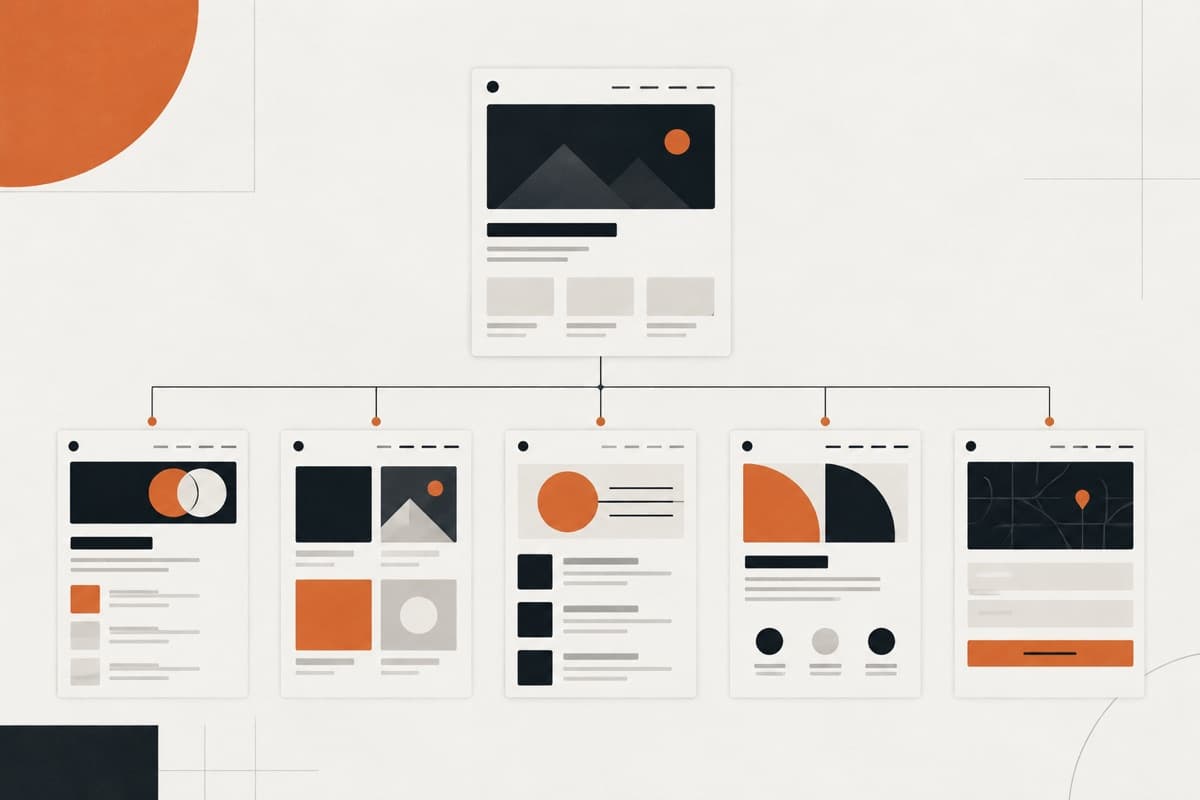
Confirm the sitemap, page relationships and priority journeys before detailed visual work expands. Wireframes are useful when the content, hierarchy or conversion path needs agreement. For a small and well-defined site, an approved structure and representative visual page may be enough to test the direction.
Website structure should use language visitors understand rather than copying the client’s internal departments. Navigation, headings and page relationships should help users locate information and take the next step without needing to understand the organisation chart.
5. Approve a representative visual direction
Choose a page or small set of components that can prove typography, colour, imagery, spacing, hierarchy and interface character. Approve that direction before the team produces every template. This creates a meaningful checkpoint without pretending one homepage answers every design question.
- Typography and readable hierarchy
- Colour roles, contrast and interactive states
- Image treatment and realistic aspect ratios
- Buttons, links, cards, forms and navigation
- Spacing rhythm and content width
- The balance between brand expression and usability
6. Design a responsive system—not three screenshots
Responsive design needs rules for what happens between reference widths. GOV.UK guidance recommends designing for different screen sizes rather than assuming particular devices. The handover should explain how content reflows, which elements change order and how variable copy or media affects each component.
| Responsive decision | What to make clear |
|---|---|
| Hierarchy | What remains primary when space becomes limited |
| Layout | How columns, grids and groups stack or reflow |
| Navigation | Pointer, keyboard and touch behaviour |
| Media | Cropping, aspect ratio, loading and fallback treatment |
| Content | Long headings, missing fields and variable CMS records |
| Interaction | Hover, focus, open, error and reduced-motion states |
7. Build accessibility into the design process
Accessibility should be planned, assigned and evaluated throughout delivery. W3C guidance recommends setting responsibilities and testing at meaningful milestones rather than waiting until the website is complete. The design scope should name the expected standard and the people responsible for design, content, development and acceptance checks.
- Logical heading and content hierarchy
- Readable type, line length and text scaling
- Contrast that accounts for component states
- Visible focus and keyboard-operable interactions
- Labels, instructions and error communication
- Alternatives for motion, imagery and media
8. Use one feedback and approval system
Give the partner one consolidated source of feedback. Separate corrections from new requests, resolve contradictory stakeholder comments before they reach production and record approvals at each important stage. Unlimited revision rounds do not remove the need for decisions.
| Approval point | What it protects |
|---|---|
| Scope and structure | Prevents missing pages and late hierarchy changes |
| Visual direction | Prevents full-site production in the wrong style |
| Responsive system | Confirms components and page types across widths |
| Final design | Creates a stable development baseline |
| Implementation adjustments | Records necessary changes discovered during build |
9. Define what development-ready handover means
A handover is not complete because the developer can open the design file. It should include approved page types, responsive rules, reusable components, variants, interaction states, assets, content behaviour and the route for resolving questions. If the same partner develops the site, those decisions still need to be visible for agency approval and future maintenance.
- Named and organised final page designs
- Reusable components, properties and variants
- Desktop, tablet and mobile intent for unique layouts
- Hover, focus, validation, loading and empty states
- Exportable assets and confirmed font licences
- CMS and content rules represented with realistic records
- Implementation notes and an agreed question owner
10. Compare partners on process as well as portfolio
Ask potential partners to explain what they owned in their examples, how they begin a project, when the timeline starts, how feedback is managed and what development receives. Strong visuals matter, but dependable agency delivery also depends on communication, judgement and operational clarity.
White-label web design FAQs
What does white-label web design include?
The agreed scope can include website strategy, sitemap planning, wireframes, visual direction, responsive page design, reusable components, interaction states and a development-ready handover. The exact boundary should be confirmed before design begins.
Will the designer communicate directly with our client?
Only when your agency authorises it. The designer can remain entirely behind the scenes or join selected calls under your agency’s direction, with the communication model agreed before the project starts.
Should content be ready before web design begins?
The priority content and page requirements should be sufficiently complete to design realistic layouts. Placeholder copy can hide hierarchy, responsive and CMS problems, so missing content should have an owner and delivery date.
Can a white-label designer hand files to our own developer?
Yes. The handover should include approved responsive layouts, components, variants, states, assets and implementation notes. Your agency should also define who answers questions and approves necessary adjustments during development.
A design partner should make the agency easier to run
The value of white-label web design is not simply access to another pair of hands. It is the ability to add a dependable design workflow behind the agency while keeping the client relationship, strategic direction and final approval under the agency’s control.
Oncreation provides white-label website design for UK agencies, from structure and responsive UI through development-ready handover. Agencies can bring a complete brief or ask us to help resolve the website structure before visual production begins.
Turn the guidance into a dependable delivery system.
Oncreation works behind agencies on website structure, custom UI, development, QA and launch—with the agency remaining in control of its client relationship.