Visual evidence
The full page reveals hierarchy, density, consistency, proof placement, calls to action and the overall journey.
AI-assisted website QA scorer
Upload a full-page screenshot and optional page code. Receive a visual QA score, evidence-backed findings and priority improvements.
A balanced website review
The full page reveals hierarchy, density, consistency, proof placement, calls to action and the overall journey.
Optional page code helps the analysis identify relevant structure and implementation signals that an image cannot show.
The report separates observable evidence from performance, interaction and accessibility checks that require specialist testing.
How to read the score
Use the result to prioritise work, then validate performance, accessibility, forms, browsers and real visitor behaviour separately.
Upload a clear full-page PNG, JPG or WebP screenshot. You may also add the public page URL for context and paste rendered HTML or relevant HTML and CSS when you want the report to consider implementation evidence.
It reviews six areas: message and copy, conversion, website structure, visual design, responsive usability and visible technical signals. It returns section scores, evidence-backed findings and priority fixes.
No. A screenshot cannot prove loading speed, keyboard behaviour, screen-reader support, form behaviour or full accessibility compliance. The report states these limitations instead of inventing results.
The website does not save the uploaded file or page code. They are sent securely for the current analysis and the AI request is configured not to be stored. Avoid submitting passwords, personal data or confidential client information.
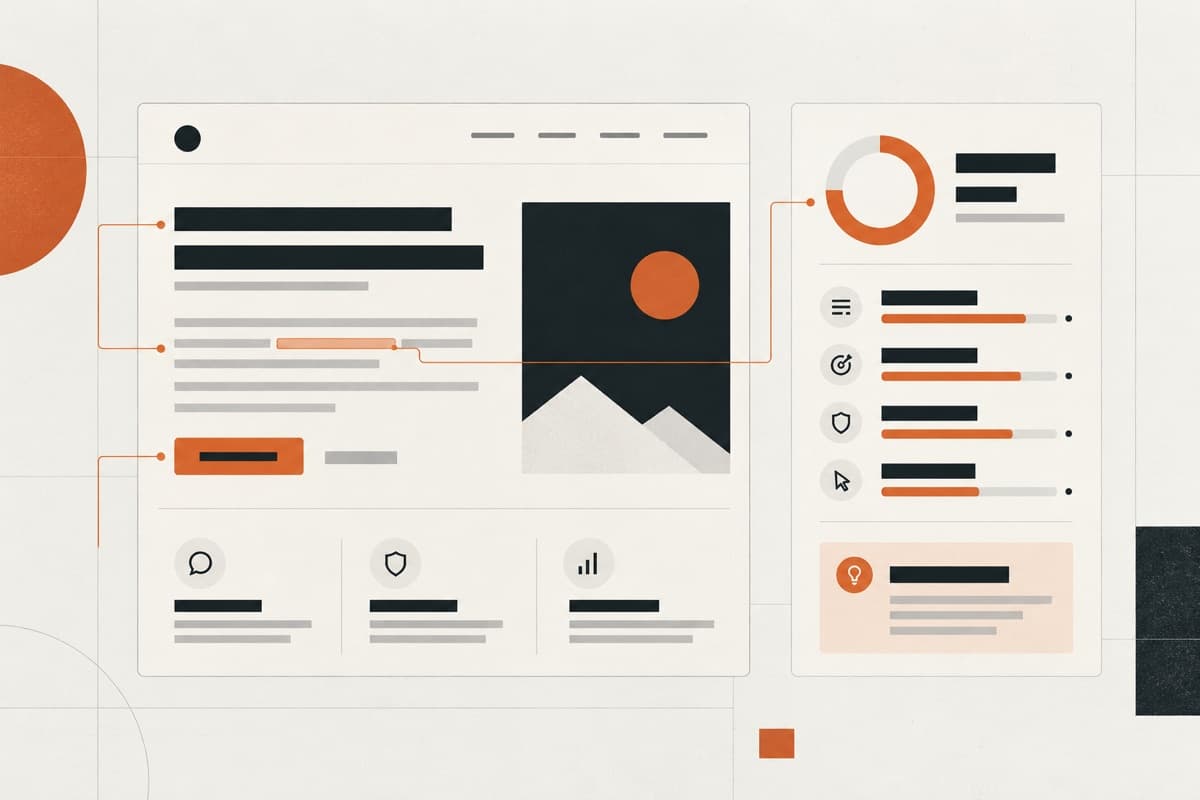
Check clarity, audience fit, specificity, credibility, structure and calls to action.
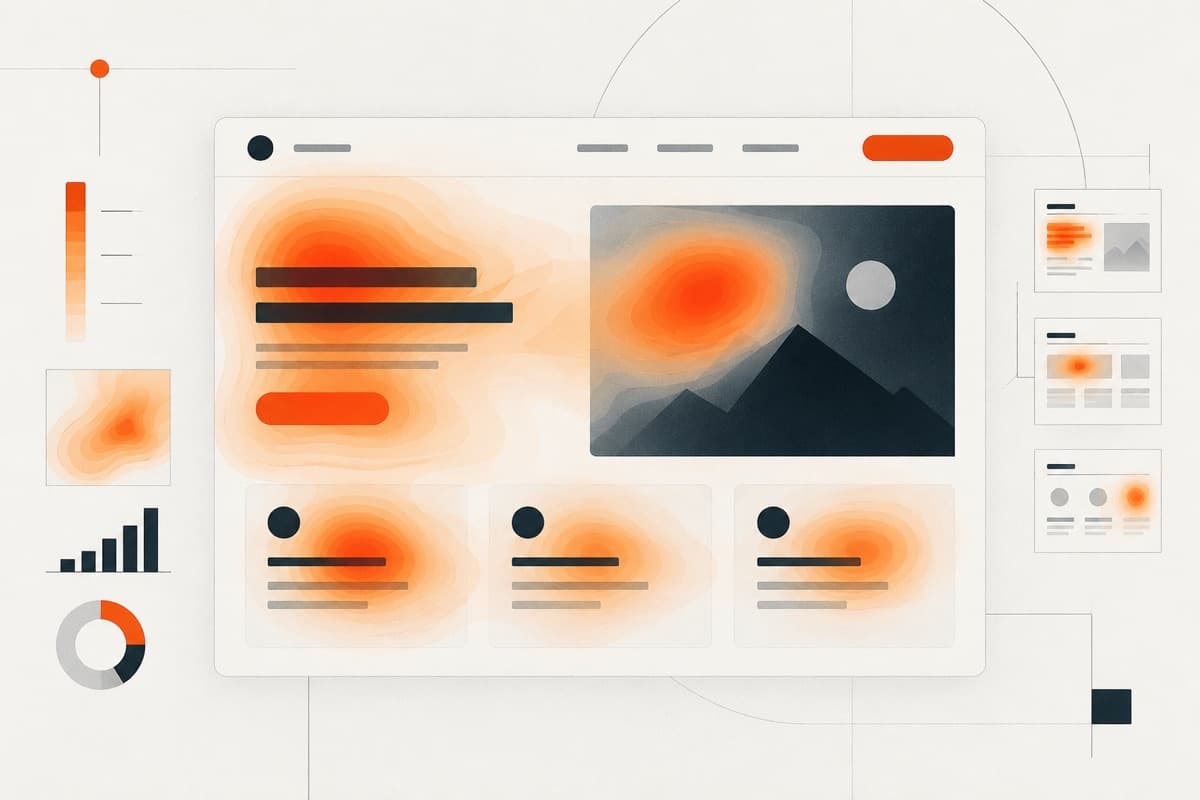
Upload a page screenshot to inspect its likely visual attention and hierarchy.
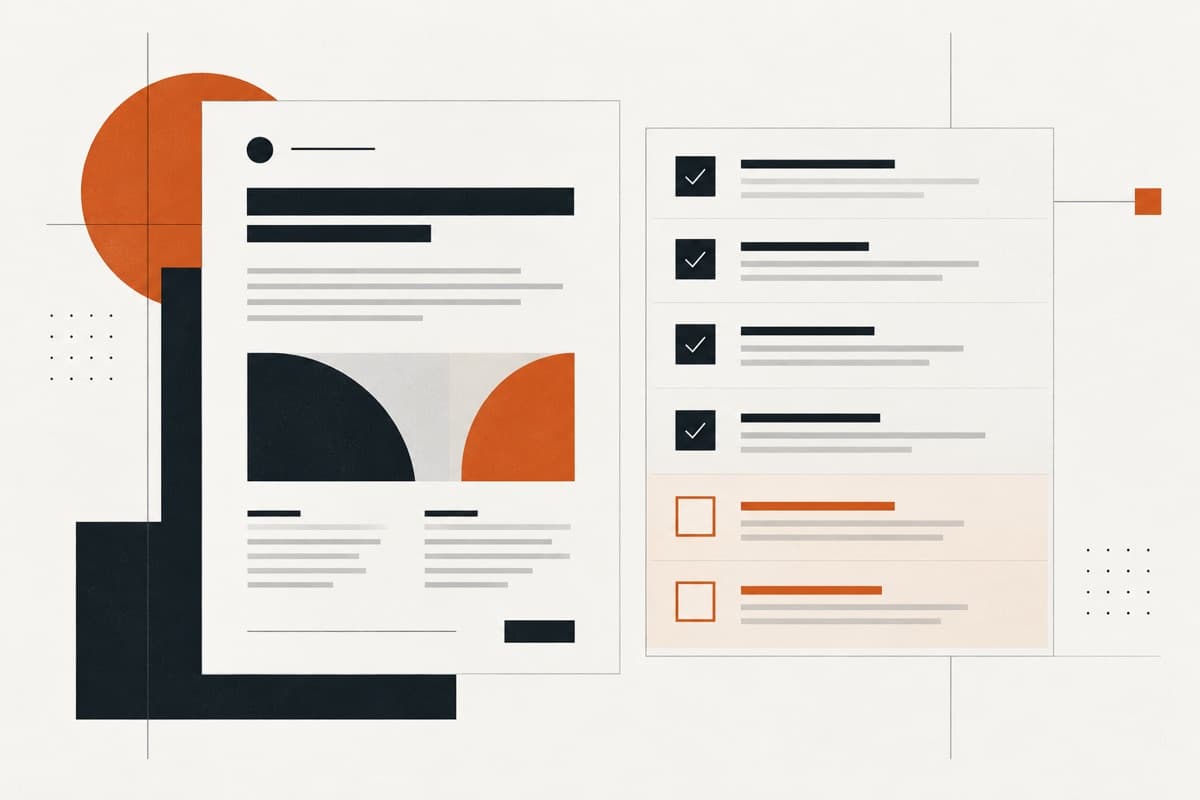
Find missing decisions, delivery risks and client questions before pricing or production.